
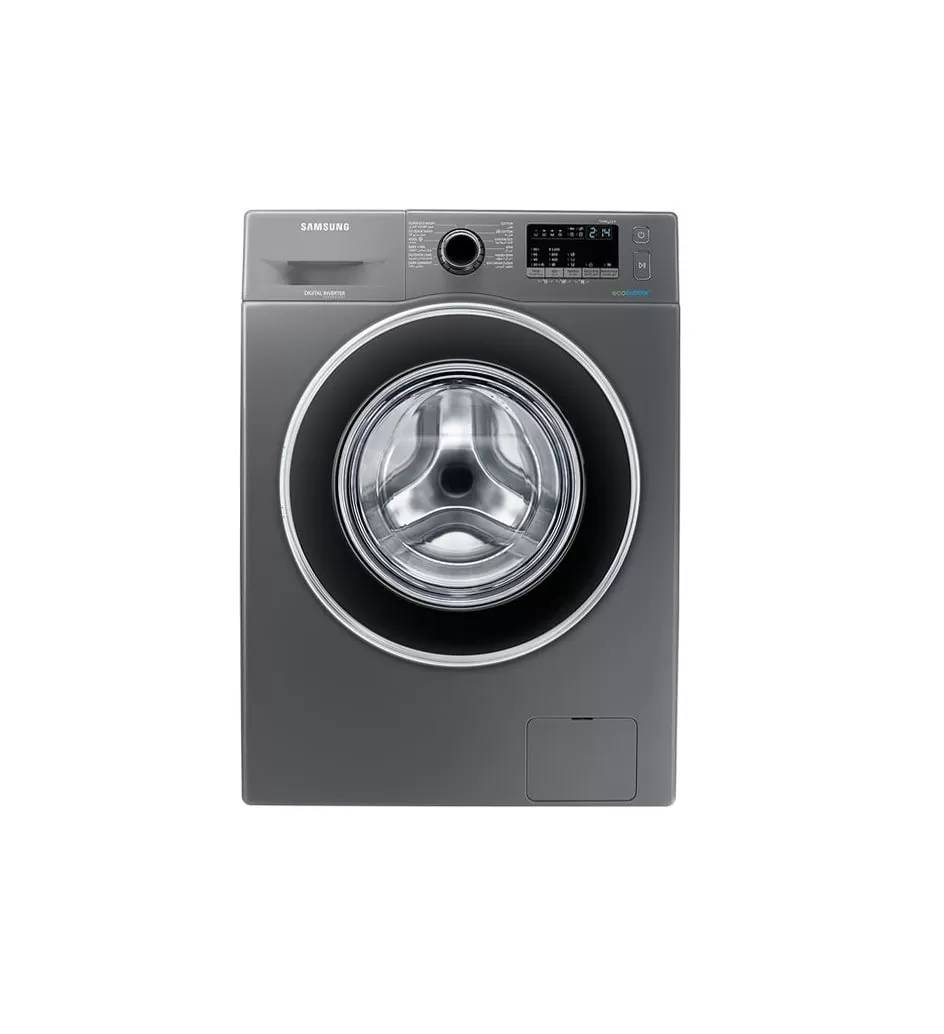
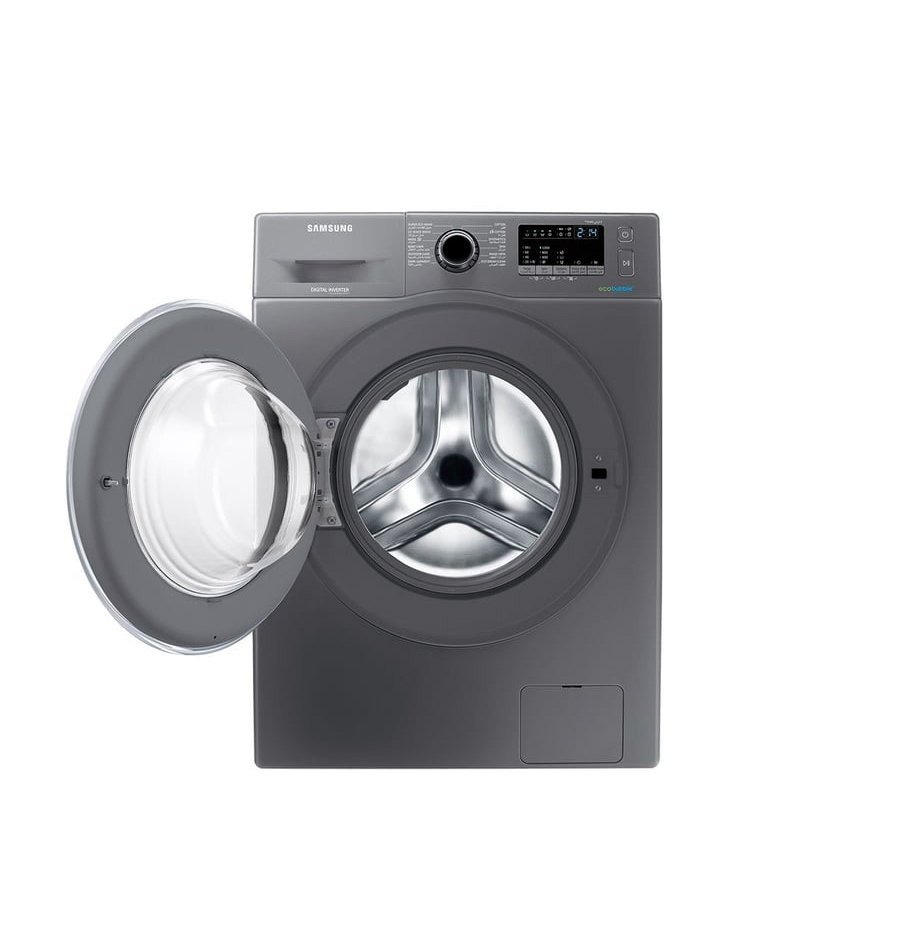
Samsung 8kg Front Load Washing Machine With EcoBubble™ Model – WW80J4210GX | 1 Year Full 10 Years Motor Warranty
Frequently displayed information codes
|
4C, 4E, E1
|
Water is not supplied.
-Make sure the water taps are open. -Make sure the water hoses are not clogged. -Make sure the water taps are not frozen. -Make sure the washing machine is operating with sufficient water pressure. -Make sure that the cold water tap and the hot water tap are properly connected. -Clean the mesh filter as it may be clogged. -All buttons will be disabled for 3 minutes after the information codes appears. |
|---|---|
|
5C, 5E |
Water is not draining.
-Make sure the drain hose is not frozen or clogged. -Make sure the drain hose is positioned correctly, depending on the connection type. -Clean the debris filter as it may be clogged. -Make sure the drain hose is straightened all the way to the drain system. -If the information code remains, contact a customer service center. |
|
dC, dE |
Operating the washing machine with the door open.
-Make sure the door is properly closed. -Make sure laundry is not caught in the door. |
|
OC, OE, OF |
Water has overflowed.
-Restart after spinning. -If the information code remains on the display, contact a local Samsung service center. |
|
Ub, UE |
-Make sure laundry is spread out evenly. -Make sure the washing machine is on a flat, stable surface. -Redistribute the load. -If only one item or clothing needs washing, check message will be shown in the display. |
|
AC, AE |
|
|
DDC, ddC |
|